You've probably already tried a few. A new app gets installed, you set it up on a Sunday night feeling optimistic, and by Thursday you're back to a sticky note. That's not a willpower problem — it's a tool-fit problem. Most "productivity" apps are built to capture tasks, not to protect your attention while you do them.
A focus planning tool is a different category. Instead of managing everything you might do, it constrains what you're doing right now, inside a real time boundary.
This guide covers what actually makes a focus planning tool work, the criteria to evaluate one against, and a simple routine you can run daily — including where Daily Focus Planner fits if you want something ready to use today.
What is a focus planning tool?
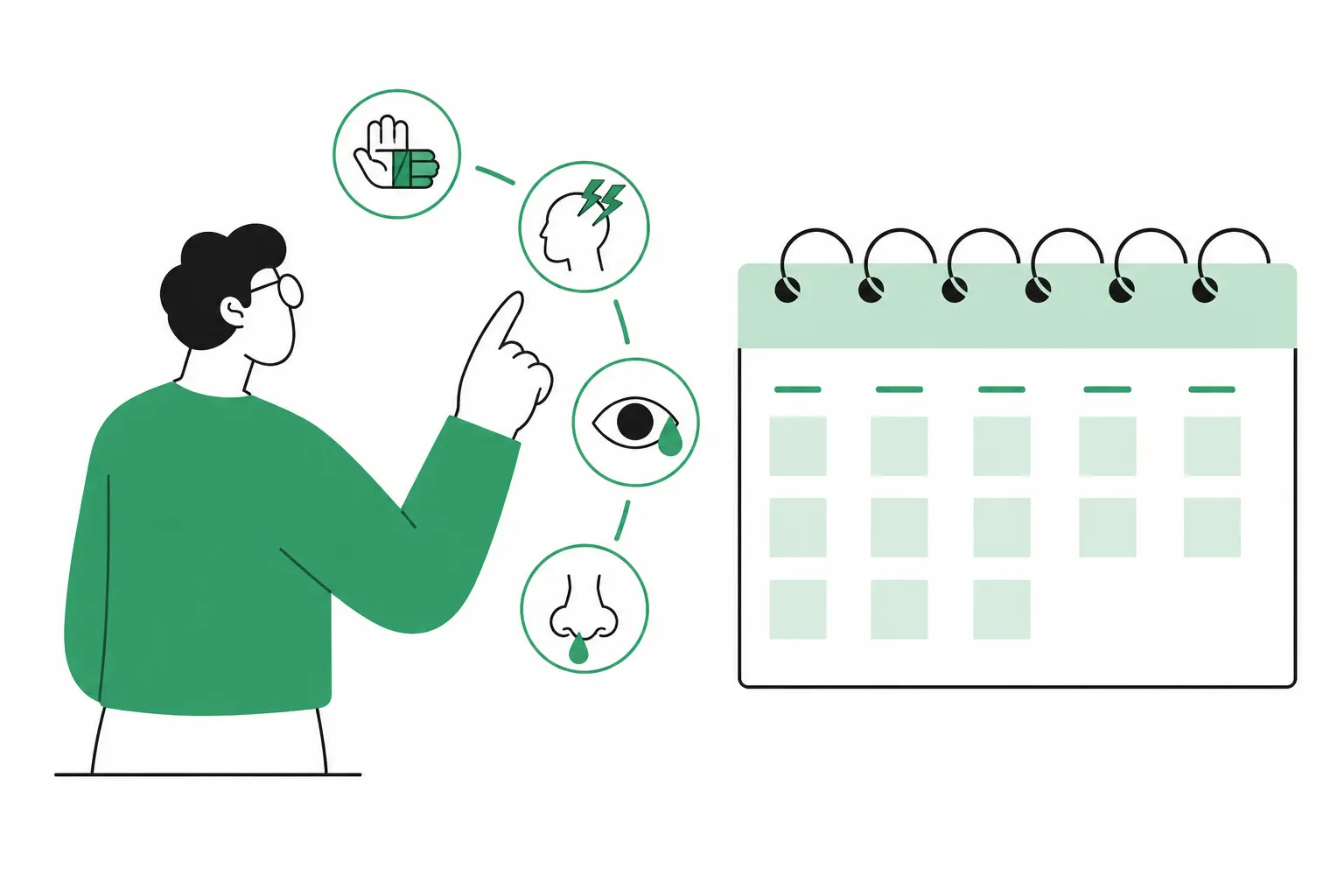
A focus planning tool is a system that helps you commit to a single priority within a scheduled block of time, instead of just listing everything you could work on. It combines time blocking, task sequencing, and a built-in review step to cut down on context-switching and protect deep work.
The difference from a regular to-do list is the constraint. A to-do list answers "what's on my plate." A focus planning tool answers "what am I doing for the next hour, and what happens when that hour ends."
Why to-do lists and calendars don't solve the focus problem
Open almost any task manager — Notion, Todoist, a notes app — and the failure pattern is the same: an open-ended list with no ceiling on how much you can add. That's useful for capturing ideas. It does nothing for focus, because every item on the list competes equally for your attention.
A few specific reasons this breaks down:
- No time boundary. Tasks sit on a list with no start or stop point, so anything can expand to fill the whole day.
- Too many visible options. Seeing 30 open tasks means your brain is processing 30 live decisions, which is the same mechanism behind decision fatigue.
- No transition ritual. Switching tasks without closing one out first leaves behind what researcher Sophie Leroy calls attention residue — part of your focus stays stuck on the last thing you were doing.
- Planning and doing live in separate places. You plan in one app, then execute from memory or a different tab, so the plan never actually shapes the day.
A calendar app helps with the time-boundary piece, but it wasn't built for single-task focus either — it was built for scheduling meetings with other people, not protecting deep work with yourself.
What to look for in a focus planning tool
Not every app marketed as a "focus tool" changes behavior. Here's what separates the ones that actually work.
Time blocking, not just listing
The tool should let you assign a real start and end time to a task, not just a priority rank. Time blocking — scheduling exact windows for work, the same logic behind the Pomodoro Technique — is the single most effective structural change for sustained focus, because it gives a task a boundary instead of unlimited room to expand. Read more about how senior developers use this approach in our guide to time blocking for developers.
A single-task view
If the planner shows everything at once, it's optimizing for visibility, not focus. You want a view that answers "what's next" without scrolling past a dozen other open items first.
A built-in daily reset
The strongest systems include a short start-of-day and end-of-day ritual: set today's one priority in the morning, review what actually happened at night. Without this, the loop never closes, and yesterday's half-finished tasks just blend into today's noise. Pair your daily reset with a weekly review dashboard to spot patterns across the week.
Low setup friction
If a tool takes 15–20 minutes to configure before you can plan your day, it competes directly with the focus it's supposed to protect. A focus planning tool should be usable in under two minutes, every single morning.
Where Daily Focus Planner fits in
Daily Focus Planner is built around a simple idea: most days only have room for one real priority and a couple of supporting tasks. Everything else is noise until that's done.
It works on a vertical day grid — you drag tasks into 30-minute blocks instead of stacking them on an open-ended list. There's one priority slot at the top of each day, a small set of supporting tasks underneath, and a lightweight close-out at the end. No project hierarchies, no setup wizard, no account required to start.
If the gaps above sound familiar — too many visible tasks, no time boundary, no reset ritual — Daily Focus Planner is built specifically to close them rather than add another list to maintain. For shorter focus sessions, the Pomodoro + Task Log pairs naturally alongside it.
How to build a daily focus routine
- Name one priority before opening anything else. Before checking email or Slack, decide on the single task that would make today a win if nothing else got done.
- Time-block it first. Put that task on your day with a real start and end time — treat it like a meeting you can't reschedule with yourself.
- Cap supporting tasks at two. Anything beyond that goes on a separate "later" list, not today's plan.
- Protect the block. Close other tabs and mute notifications for the duration — the time boundary only works if it's actually enforced.
- Run a two-minute close-out. At day's end, mark what got done and carry over what didn't. This is the step that actually builds the habit over time.
FAQ
What's the difference between a focus planning tool and a to-do list app?
A to-do list app organizes everything you might need to do, with no limit on how much is visible at once. A focus planning tool narrows that down to what you're doing right now, usually inside a scheduled time block, which cuts down on the context-switching that breaks concentration.
Is time blocking the same thing as a focus planning tool?
Time blocking is a technique — scheduling fixed windows for specific tasks. A focus planning tool is the system that applies time blocking, plus usually a daily reset and single-task view, so you're not building the method from scratch yourself every day.
How long should a focus block actually be?
Most people sustain real focus for somewhere between 25 and 90 minutes before needing a break, depending on the task. Shorter blocks suit fragmented work like email or admin; longer blocks suit deep, single-threaded work like writing or coding.
Can a focus planning tool replace my calendar?
Not entirely. Most people run a focus planning tool alongside their calendar, scheduling focus blocks around fixed meetings rather than replacing the calendar outright.
Do I need a digital tool, or does a paper planner work just as well?
Either works, as long as it enforces the same three constraints: one visible priority, a real time boundary, and a daily reset. A digital tool like Daily Focus Planner just makes the reset and carry-over steps faster.
Is Daily Focus Planner free to use?
Yes — it's part of BuildnScale's free toolset, with no signup required to start planning your day.
Related reading
- Time Blocking for Developers: Why It Beats To-Do Lists — why to-do lists specifically fail engineering work and how to build the time-blocking routine
- I replaced Notion with local-first Markdown notes — why one developer moved away from complex productivity setups to simpler, faster tools
In summary
A focus planning tool isn't another place to dump tasks — it's a constraint that forces you to commit to one thing at a time inside a real time boundary. Look for time blocking, a single-task view, and a built-in daily reset before you adopt anything. Daily Focus Planner bundles all three into a routine you can run in under two minutes a day.