I replaced Notion with local-first Markdown notes
8 min read
Key takeaways
- A Notion alternative for developers doesn't have to mean another SaaS app. Local-first Markdown files solve the latency and lock-in problems Notion can't.
- "Local-first" means your device holds the primary copy of your data; the cloud becomes a sync option, not a dependency.
- The real cost of switching isn't technical. It's losing Notion's inline databases and one-click sharing.
- A plain-text setup (Markdown plus Git plus ripgrep) is dramatically faster and more durable, but collaboration takes more deliberate effort.
For three years, I was a power Notion user: databases, templates, linked pages, the works. But something kept nagging at me, and it was latency. Every action took roughly 400ms to render. Every search needed a round trip to the cloud. And the one time I actually needed my notes without a connection, the app simply didn't load.
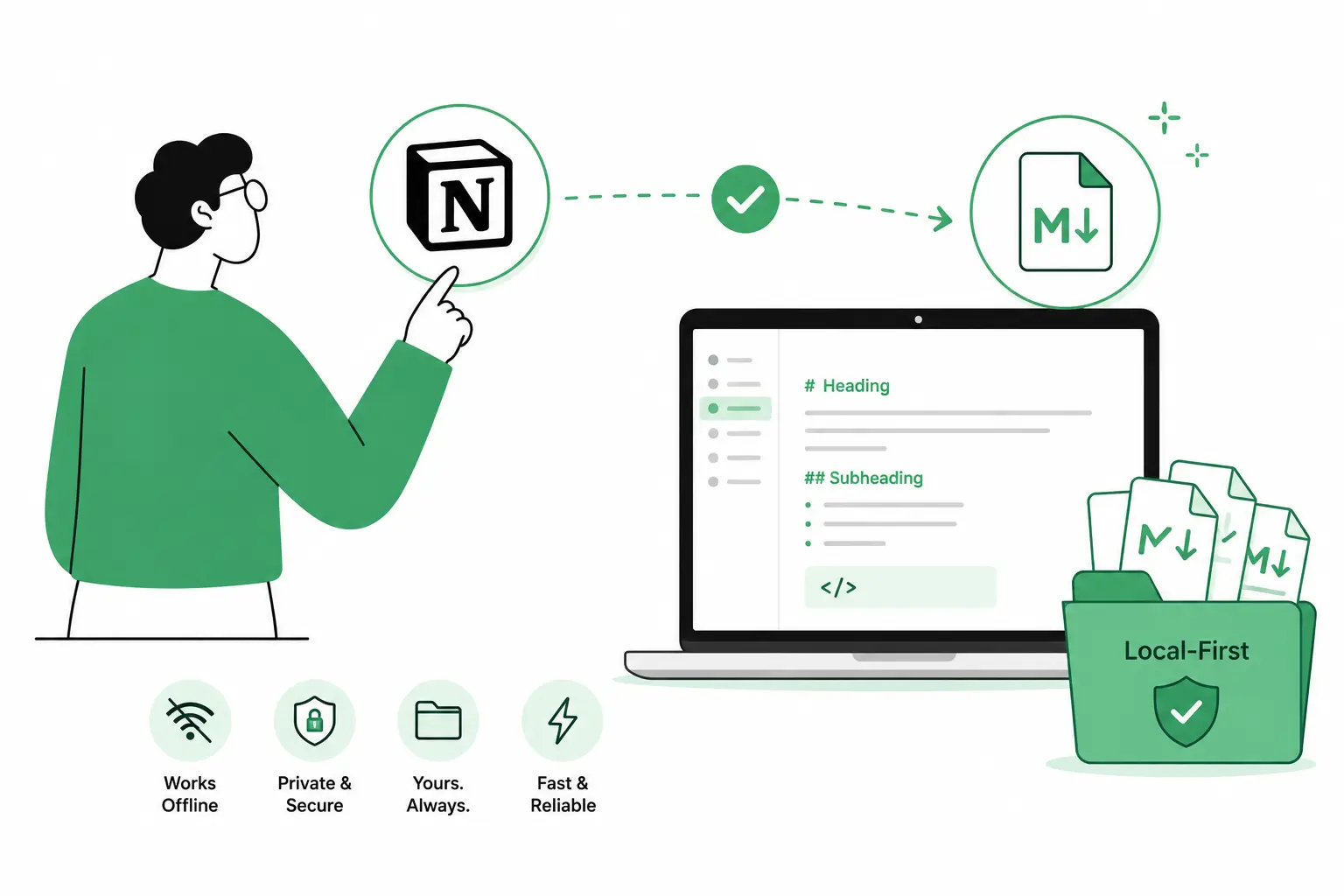
If you're searching for a Notion alternative for developers, you've probably hit the same wall: a tool built for visual collaboration starts to feel heavy the moment your real need is "open it fast, write, close it." This post covers why I made the switch to local-first Markdown notes, what a fair comparison actually looks like, how the migration went, and how to tell if the same move makes sense for you.
The breaking point
Last December, I was in the middle of debugging a production incident. I opened Notion to check my runbook and sat through several seconds of a spinning loader. By the time the page rendered, I'd already fixed the issue from memory. That's when it clicked: my "productivity system" was adding friction at exactly the moment I needed zero friction.
I moved everything to local Markdown files. No cloud dependency, no loading state, just open a file, type, save.
What "local-first" actually means (and why it matters for notes)
Local-first software is an approach where your device, not a remote server, holds the primary, authoritative copy of your data, and the cloud is demoted to an optional sync layer rather than a requirement to function. The term was formalized by researcher Martin Kleppmann and the Ink & Switch lab, who contrasted it with the typical "cloud app" model used by tools like Google Docs, Figma, and Trello, where data lives on someone else's server by default.
That distinction is exactly what separates Notion from a Markdown-on-disk setup. Notion is a cloud app with excellent offline caching bolted on. A folder of .md files is local-first by construction: the files exist whether or not Notion's servers, or any servers, are up.
For a notes app specifically, local-first buys you three things. It works at the speed of your disk instead of the speed of your network. It survives a company shutting down or changing its pricing. And you can read or edit it with any tool that opens a text file, indefinitely.
Notion vs. local Markdown notes: the real tradeoffs
Neither setup is strictly better; they optimize for different things. Here's the comparison as it actually plays out day to day:
| Criteria | Notion | Local Markdown notes |
|---|---|---|
| Speed to open & search | Network round-trip, ~hundreds of ms | Instant, disk speed, no spinner |
| Works offline | Partial, cache-dependent | Full, by default |
| Data ownership | Stored on Notion's servers | Stored on your device, in a plain-text format |
| Inline databases / status fields | Strong, built-in | Weak, needs separate tooling or frontmatter conventions |
| Real-time collaboration | Strong, built for it | Weak, needs Git or a sync layer |
| Version history | Built-in page history | Full Git diff history, if you commit regularly |
| Long-term format risk | Tied to Notion staying in business | None, Markdown is plain text |
| Setup time | Minutes, in-browser | An afternoon, plus a migration script |
If you collaborate constantly and live inside status boards, that table tilts toward Notion. If you write alone most of the day and just need to capture and find things fast, it tilts toward Markdown.
How I migrated without losing three years of notes
Moving off Notion wasn't a straight export-and-done job. It meant rethinking the whole note-taking structure:
- Export from Notion first. Notion's native Markdown/CSV export is solid; it's the safest starting point rather than copy-pasting manually.
- Turn databases into folders. Each Notion database became a directory; each item inside it became its own file.
- Rewrite linked pages as relative paths. Notion's internal links use opaque IDs, so I replaced them with plain relative links like
[Reference](./project/design-doc.md). - Replace templates with snippets. Notion's template buttons became VS Code snippets: same shortcut to a blank structure, no app required.
- Reorganize folder by folder. The export script handled extraction; sorting the output into a sane structure was manual and took the bulk of the time.
The whole migration took about six hours spread across a weekend, most of it spent reorganizing folders, not writing code.
What I gained
The switch wasn't only about speed, though that alone would have justified it:
- Full-text search via
ripgrepreturns results across thousands of files in well under a second, faster than any cloud search I've used. - Version history via Git gives me real diffs. I can see exactly what changed in a note from three weeks ago, line by line.
- Offline by default. No connection, no problem. The files are just there.
- A format that outlives any one company. Markdown isn't tied to a vendor's roadmap or pricing page.
What I lost
To be fair to Notion, a few things got harder:
- Inline databases. Tracking a project across multiple status fields was genuinely easier in Notion's table view.
- Collaboration. Sharing a Git repo is more friction than clicking "Share." My partner still uses Notion for shared lists, and I don't push back on that.
- Mobile editing. A markdown-on-iOS workflow is workable but noticeably less smooth than Notion's app.
My setup now
If you're considering the same move, here's the stack that stuck after three months:
- Obsidian for daily notes and the graph view (sync service turned off; files stay local)
- VS Code for heavier editing and formatting
- iA Writer for distraction-free long-form writing
- Git + GitHub for backup and version history across machines
- Markdown Notes for quick capture during the workday: no app to open, no account to create, just a fast editor with live preview
The setup is less visually polished than Notion. It's also dramatically faster, and after three months I haven't gone back.
Try this today: Write, preview, and organize Markdown notes in a clean editor with live preview and autosave. No signup. Open Markdown Notes →
If you end up time-blocking your writing sessions the way I do, Daily Focus Planner is the natural pairing: block 30 minutes for notes cleanup the same way you'd block deep work.
Should you switch?
This isn't a universal upgrade; it's a tradeoff. A local-first Markdown setup is probably right for you if:
- You write and capture notes mostly solo, without needing real-time co-editing
- You're comfortable with files and folders, or at least willing to learn the basics once
- Speed and offline access matter more to you than visual polish
- You want a note format that's still readable in 10 years regardless of what tools exist then
Stick with Notion (or a hybrid setup) if:
- Your team lives inside shared databases and status boards daily
- You need polished, clickable views for non-technical collaborators
- You're not willing to spend an afternoon migrating and reorganizing
FAQ
What's the real difference between Notion and local Markdown notes? Notion is a cloud-hosted app with databases, templates, and built-in collaboration; your data lives on Notion's servers. Local Markdown notes are plain-text files stored on your own device: faster to open, fully offline, and not tied to any one company staying in business.
Do I need to know how to code to switch to Markdown notes?
No. Markdown is plain text with light formatting (# for headings, - for lists). The harder part is rethinking how you organize notes into folders rather than databases, not the syntax itself.
Will I lose Notion's databases and templates if I switch? You'll lose the inline, sortable-table view Notion databases offer. Templates translate fine as folder structures or editor snippets, but a true multi-property database doesn't have a clean Markdown equivalent without extra tooling.
Can I still collaborate with others after switching to local files? Yes, but it takes more deliberate setup, usually a shared Git repo or a sync tool. It's not as frictionless as clicking "Share" in Notion, so teams that collaborate constantly may want to keep Notion for shared work.
What's the easiest way to migrate from Notion to Markdown? Start with Notion's built-in export (Markdown & CSV), which preserves most structure cleanly. From there, reorganize the exported folders to match how you actually think about your notes. That manual sorting step takes longer than the export itself.
Is Markdown actually more future-proof than Notion?
Yes, in the sense that matters most: a .md file opens in any text editor on any device, indefinitely, with zero dependency on a company's servers staying online. Notion's export exists, but your day-to-day workflow depends on Notion remaining available and priced the way you expect.
In summary
Switching from Notion to local-first Markdown notes traded some collaboration polish for speed, offline reliability, and a format that isn't tied to any single company's uptime. If you write mostly alone and care more about opening a note instantly than about a polished shared dashboard, it's worth the afternoon it takes to migrate. Markdown Notes is built for exactly that workflow: open, write, done.