How to Set Your Freelance Rate in 2026 (Free Calculator)
9 min read
Key takeaways
- A freelance hourly rate calculator should account for income, expenses, taxes, and realistic billable hours, not just "salary ÷ 2,080 hours."
- Most freelancers can only bill 50-70% of the hours they actually work. The rest goes to admin, proposals, and finding the next client.
- Self-employment tax in the US runs 15.3% before income tax, and it's the single most commonly forgotten line item in a DIY rate calculation.
- You can run the full calculation, see your day/week/month/year rate, and generate a client-ready PDF invoice in about two minutes: no signup, no download, no account.
If you searched for a freelance rate calculator, you're probably past the "is this worth doing" stage. You just want a number you can trust enough to put in a proposal. That's fair. Most of what's written about freelance pricing buries the actual math under a thousand words of pep talk.
This post skips the pep talk. It covers the formula behind a sustainable freelance hourly rate, where most DIY calculations quietly go wrong, and how to run the whole thing (income, expenses, taxes, profit margin) in our free Freelancer Rate Calculator, with a PDF invoice on the other end.
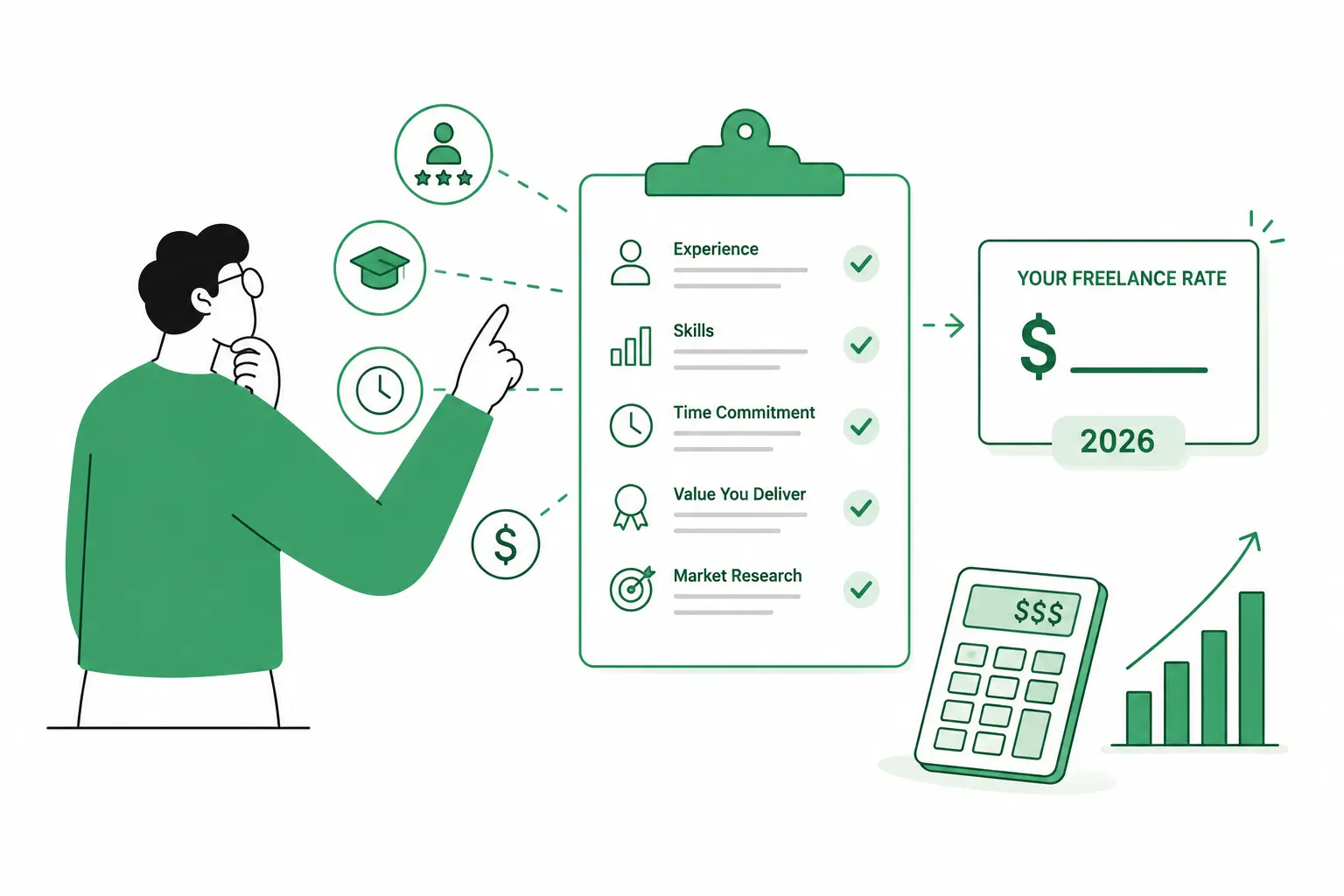
Why "salary ÷ 2,080 hours" gets your freelance rate wrong
A freelance hourly rate calculated by dividing your target salary by a standard work year (2,080 hours) will almost always be too low. It ignores two costs your old employer used to absorb quietly: self-employment tax and the hours you work but can't bill.
In the US, self-employment tax adds 15.3% on top of regular income tax, covering the Social Security and Medicare contributions an employer would otherwise split with you. The IRS explains the exact mechanics here, but the short version is: that 15.3% has to come from your rate, because nobody else is paying it for you anymore.
The second gap is bigger and easier to underestimate. A 40-hour work week doesn't mean 40 billable hours. Proposals, invoicing, client emails, and admin eat into every freelancer's week, and most people don't track exactly how much.
The real formula behind a sustainable freelance rate
A sustainable freelance hourly rate is: (target income + business expenses) ÷ realistic billable hours per year, with a profit margin layered on top. Every part of that formula matters, and skipping any one of them is usually why a calculated rate "feels too high." It isn't too high, it's just the first honest number you've seen.
| Component | What it covers |
|---|---|
| Target income | What you want to take home, not your old salary. Freelancers often anchor to a previous paycheck and forget it doesn't include the costs below. |
| Business expenses | Software, equipment, insurance, a portion of your workspace, and the self-employment tax mentioned above. These are real costs your rate has to absorb. |
| Realistic billable hours | Industry data consistently shows freelancers only invoice for 50-70% of the hours they actually work. QuickBooks has a clear breakdown of billable vs. non-billable time. |
| Profit margin | What's left after the above three are covered. It's your buffer for slow months, gear upgrades, and the fact that freelance income is lumpier than a paycheck. |
Calculate your rate in under 2 minutes
You can do the math above by hand, but it's tedious to redo every time a number changes, and most spreadsheet versions quietly skip the profit margin step. Our calculator runs the same formula automatically:
- Enter your monthly target income — what you want to take home before tax.
- Enter your monthly expenses — software, tools, a portion of rent, taxes, insurance, anything the work actually costs you.
- Set your billable hours per week — be honest here, not aspirational. This is the step most DIY calculations get wrong.
- Set your weeks worked per year — after holidays and sick time.
- Pick a profit margin (0-30%) — to layer on top of your break-even number.
The calculator instantly returns your hourly, daily, weekly, monthly, and yearly rate. As an example, a $10,000/month income target at 32 billable hours/week over 46 working weeks lands at $82/hour: $525/day, $2,624/week, $120,704/year before tax. Change any one input and every number updates immediately, so you can see exactly which lever moves your rate the most.
Once you have a number you trust, the calculator can also turn it straight into a client-ready PDF invoice: same tool, no separate app, no copy-pasting your numbers into a template.
Try this today: Run the numbers on your hourly rate with expense tracking, profit margins, and invoice PDF generation. No signup. Open Freelancer Rate Calculator →
No signup, no download: here's why that matters
If you came here looking for a "freelance pricing calculator download," you don't actually need one, and that's by design. The calculator runs entirely in your browser and saves your inputs locally on your own device. There's nothing to install and no account to create.
That's the same local-first approach behind every tool on BuildnScale. Your numbers stay on your machine instead of sitting in someone else's database, and you can come back tomorrow and pick up exactly where you left off, even before the page finishes loading anything from a server. If you ever clear your browser data, you'll just need to re-enter your numbers. There's no cloud copy to restore, because there's no cloud copy at all.
In practice, that means you can open it, run your numbers, generate your invoice, and close the tab in under two minutes: no email, no password, no "create an account to see your results" wall.
Track your real billable hours before you trust the number
The calculator is only as accurate as the "billable hours per week" you put into it. If you guess high, your rate will be too low to actually hit your income target. You'll work the same hours you always have and quietly fall short.
The fix is to track, not guess, for a couple of weeks. Log every work session and tag it as client work or everything else (admin, proposals, emails, learning). At the end of two weeks, divide billable hours by total hours worked to get your real utilization rate. Most freelancers are surprised by how low it actually is.
If you want a low-friction way to do this, Pomodoro + Task Log logs every focus session with task metadata automatically, so you get real billable-hours data instead of an end-of-week guess. Plug that real number back into the rate calculator and your output gets noticeably more accurate.
What to do once you know your rate
A calculated hourly rate is a floor, not necessarily what you quote on every project. Here's how to put the number to work:
| Scenario | How to apply it |
|---|---|
| Quoting hourly work | Use the rate as-is. It already accounts for your costs and margin, so don't round it down to "feel competitive." |
| Quoting project-based work | Estimate the hours a project will realistically take (including revisions and a buffer), multiply by your hourly rate, then add 10-15% for scope creep. |
| Listing on Upwork / Fiverr | Marketplace fees typically cut into your payout, so factor the platform's cut into your rate before you publish it, not after. |
| Raising your rate over time | Revisit the calculation whenever your expenses change, your experience level changes, or it's simply been six months. A quick Weekly Review habit makes "check my rate" something you actually remember to do. |
Common freelance pricing mistakes to avoid
- Copying a former salary. A $75,000 salary and a $75,000 freelance income target require very different hourly rates, because the freelance version has to cover taxes and expenses your old employer absorbed.
- Assuming 40 billable hours a week. Almost nobody bills 40 hours consistently. Plan around your real utilization rate, not your calendar.
- Forgetting self-employment tax entirely. It's easy to leave out of a quick mental calculation, and it's one of the larger line items in the formula.
- Pricing purely off what others charge. Market rates are a useful sanity check, but a number that doesn't cover your own costs and margin isn't sustainable just because someone else charges it.
- Never revisiting the number. Expenses creep up, skills improve, and a rate that worked a year ago can quietly become unprofitable if it's never recalculated.
FAQ
How do I calculate my freelance hourly rate? Add your target take-home income to your business expenses (including self-employment tax), then divide by your realistic billable hours for the year, not your total working hours. Add a profit margin on top. Our rate calculator runs this automatically from five simple inputs.
What's a realistic number of billable hours per week? Most freelancers can only bill 50-70% of the hours they actually work; the rest goes to admin, proposals, and client communication. If you work 40 hours a week, expect somewhere closer to 20-28 of those to be genuinely billable, and track your own number rather than assuming.
Do I need to download anything to use a freelance rate calculator? No. Our calculator runs entirely in your browser with no install and no signup. It's local-first, meaning your inputs are saved on your own device rather than a remote server, so there's nothing to download in the first place.
Should I charge hourly or per project as a freelancer? Either can work. Hourly is simpler to justify and adjust, project-based work rewards speed and can earn more per hour as you get faster. A common approach is to calculate your hourly rate first, then use it to build accurate project quotes, which is exactly what the calculator's invoice feature is built for.
How often should I update my freelance rate? Revisit it whenever your expenses change meaningfully, your skills or experience level shift, or it's been about six months, whichever comes first. Rates that aren't revisited tend to fall behind rising costs without anyone noticing until it shows up in take-home pay.
Why is my calculated rate higher than I expected? It's most likely accounting for costs a quick mental calculation skips, especially self-employment tax and unbillable hours. If the gap still seems too large, double-check your billable-hours input first, since overestimating it is the most common reason a "true" rate looks lower than it should.
In summary
A freelance hourly rate calculator should account for your income goal, real expenses, taxes, and the billable hours you actually work, not the hours on a calendar. Run those numbers once, revisit them every few months, and the guesswork in your pricing mostly disappears. The Freelancer Rate Calculator does the math and the invoice in one place, with no signup standing between you and your number.